Conditional Fields for Framer forms
Show or hide Framer form fieldsAdd conditional logic to your native Framer form.
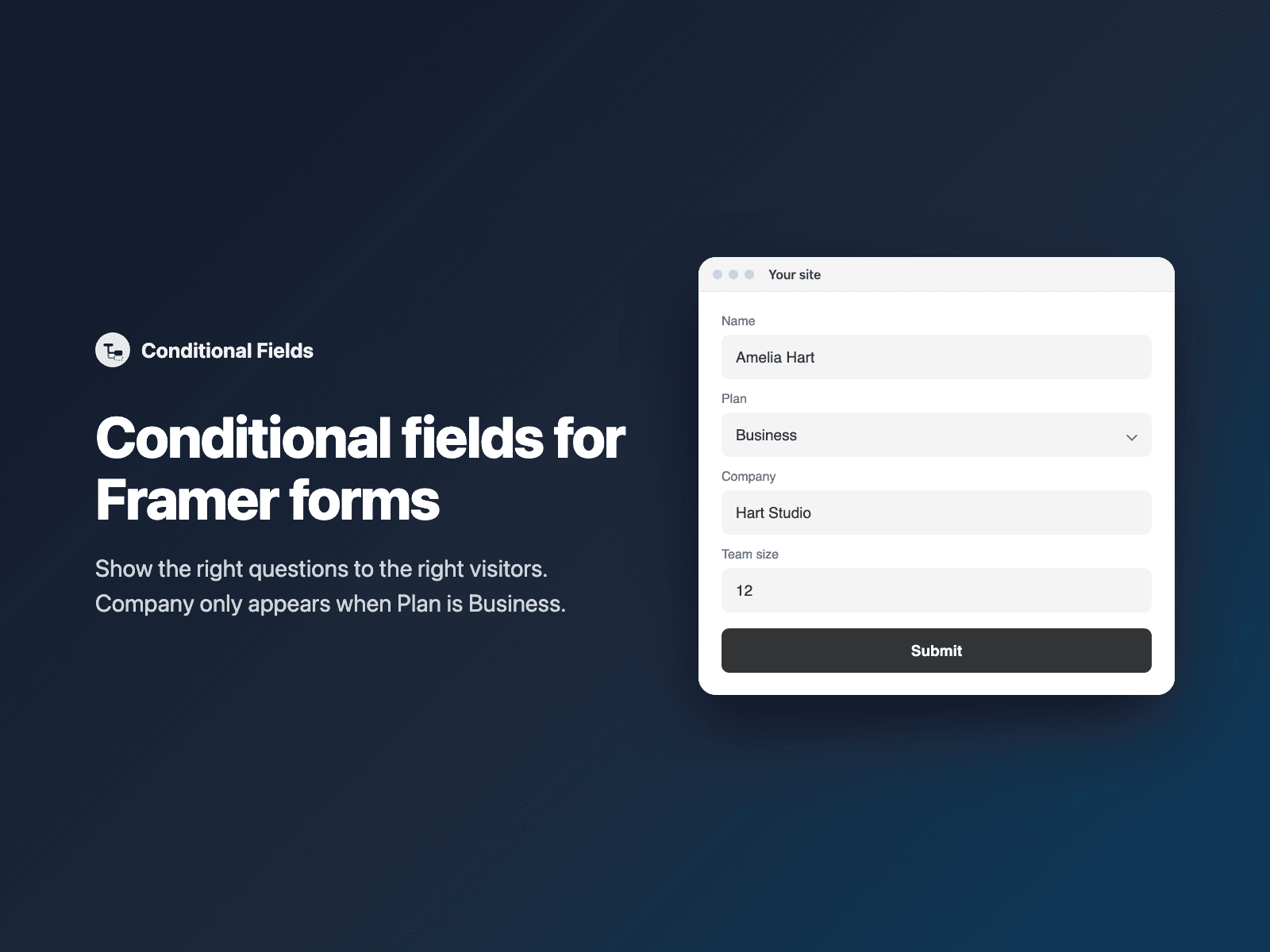
Show a field only when another field has a certain answer: Company only when Plan is Business, Topics only when the newsletter box is checked, a follow-up question only when a rating was given. Hidden fields are skipped by validation and are not submitted, so a required field never blocks the form while it is hidden.
Included in every FramerSend plan. Free for 14 days, no card, then from $5/month.
What your form receives
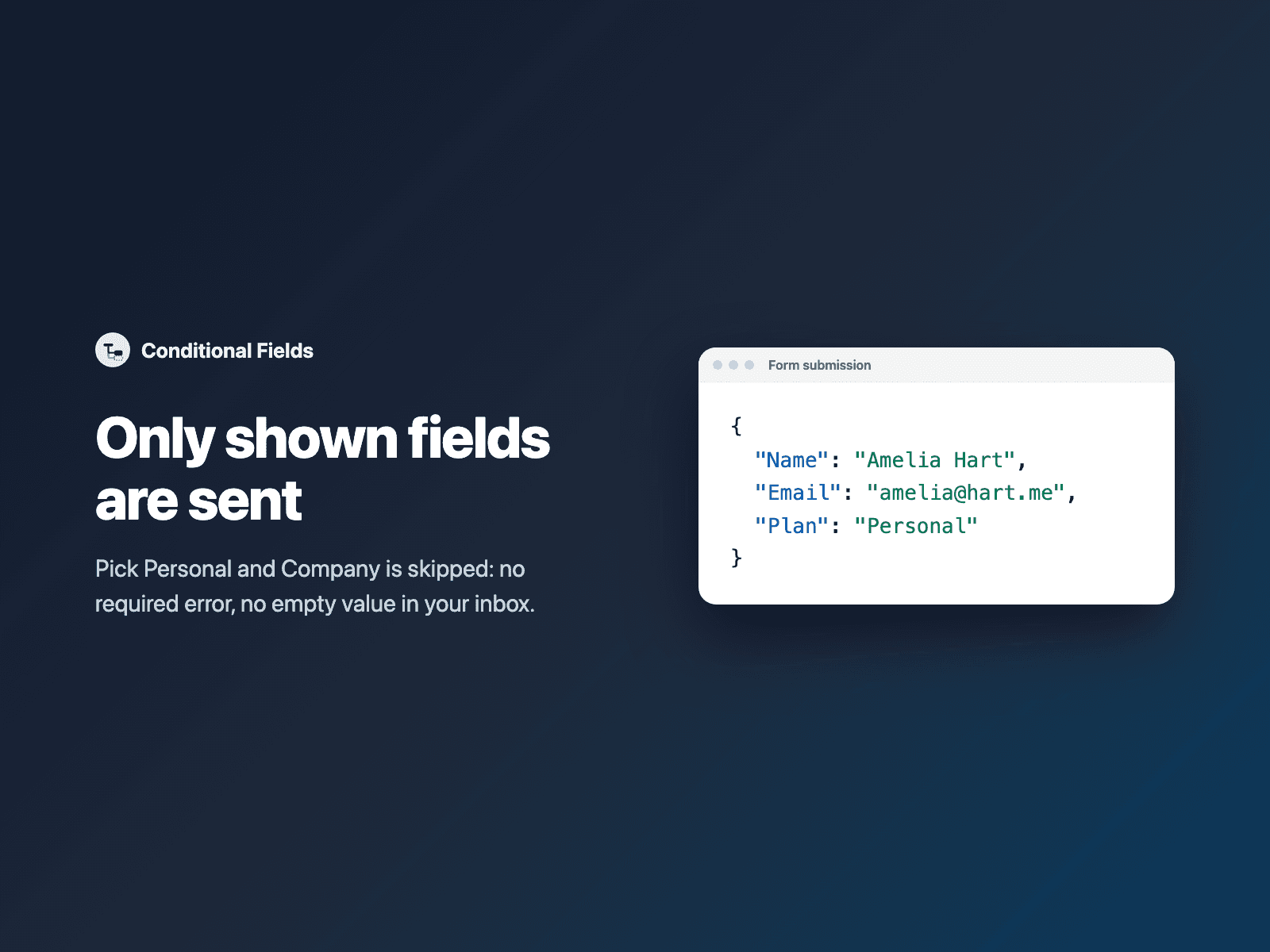
Nothing extra. Fields hidden by a condition are not submitted; shown fields are sent as usual.
{
  "Name": "Amelia Hart",
  "Email": "amelia@studio.co",
  "Plan": "Business",
  "Company": "Hart Studio"
}
How it works
No code, right inside Framer
Select your form
Select your Form on the Framer canvas.
Insert the condition
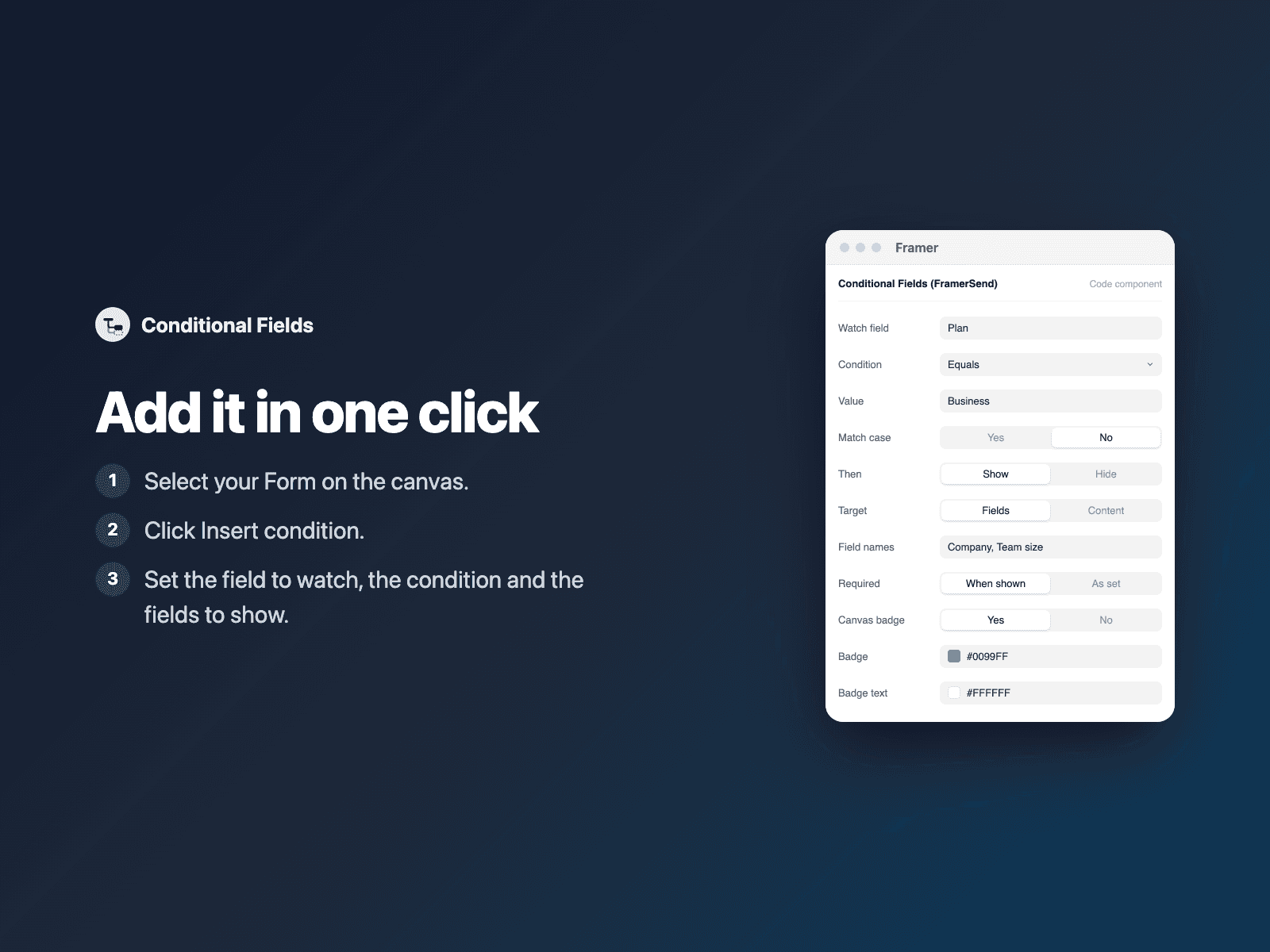
Open Conditional Fields and click Insert condition.
Set the rule
In the right panel, set the field to watch, the condition and the names of the fields to show.
Options
- Conditions: equals, does not equal, contains, does not contain, is empty, is not empty, is checked, is not checked
- Show or hide, and match case
- Several fields at once, comma separated
- Required when shown
- Show or hide connected frames instead of fields
- One condition per rule; conditions can depend on each other
Written into your project as a code component. No external scripts, no network requests on your site.
Frequently asked questions
Which fields can it watch?
Text fields, dropdowns, radio buttons, checkboxes and code-component fields such as star ratings or image choices.
Will a hidden required field block the form?
No. Hidden fields are skipped by validation and are not submitted. When shown, a field comes back exactly as you set it up, or becomes required if you turn on Required when shown.
Why don't I see the logic on the canvas?
On the canvas every field stays visible and the condition shows a small badge, so you can keep designing. The logic runs in preview and on the published site.
Does it slow down my site?
No. The condition is a code component written into your project. It loads no external scripts and makes no network requests on your site.
How much does Conditional Fields cost?
Conditional Fields is included in every FramerSend plan, together with the other field plugins and every connector. It is free for 14 days with no card, then from $5/month, $39/year or $89 one-time.
How do I sign in to the plugin?
With your FramerSend account. The plugin opens framersend.com/plugin/connect, you approve, and it signs in by itself.
Add Conditional Fields to your Framer form
Included in every FramerSend plan with all 73 field plugins and every connector. Free for 14 days, then from $5/month.