Multi-Step Form for Framer forms
Split Framer forms into stepsTurn a native Framer form into a multi-step form.
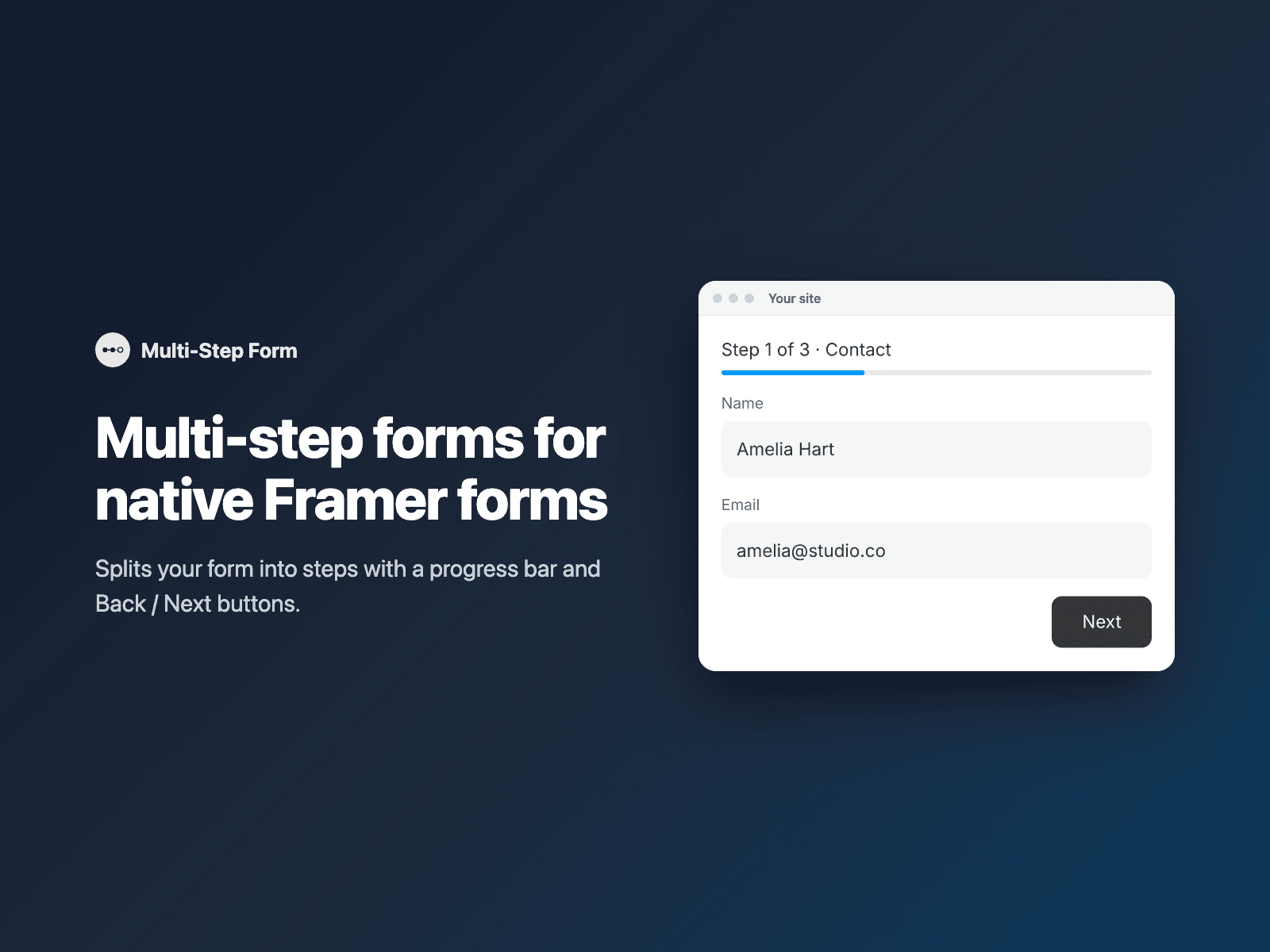
Insert the component at the top of your form. On your published site it groups the form's fields into steps and shows one step at a time, with a progress bar, an optional "Step 1 of 3" label and step titles, and Back and Next buttons. Next checks the fields of the current step before moving on, and the submit button only appears on the last step. Pressing Enter in a field moves to the next step.
Included in every FramerSend plan. Free for 14 days, no card, then from $5/month.
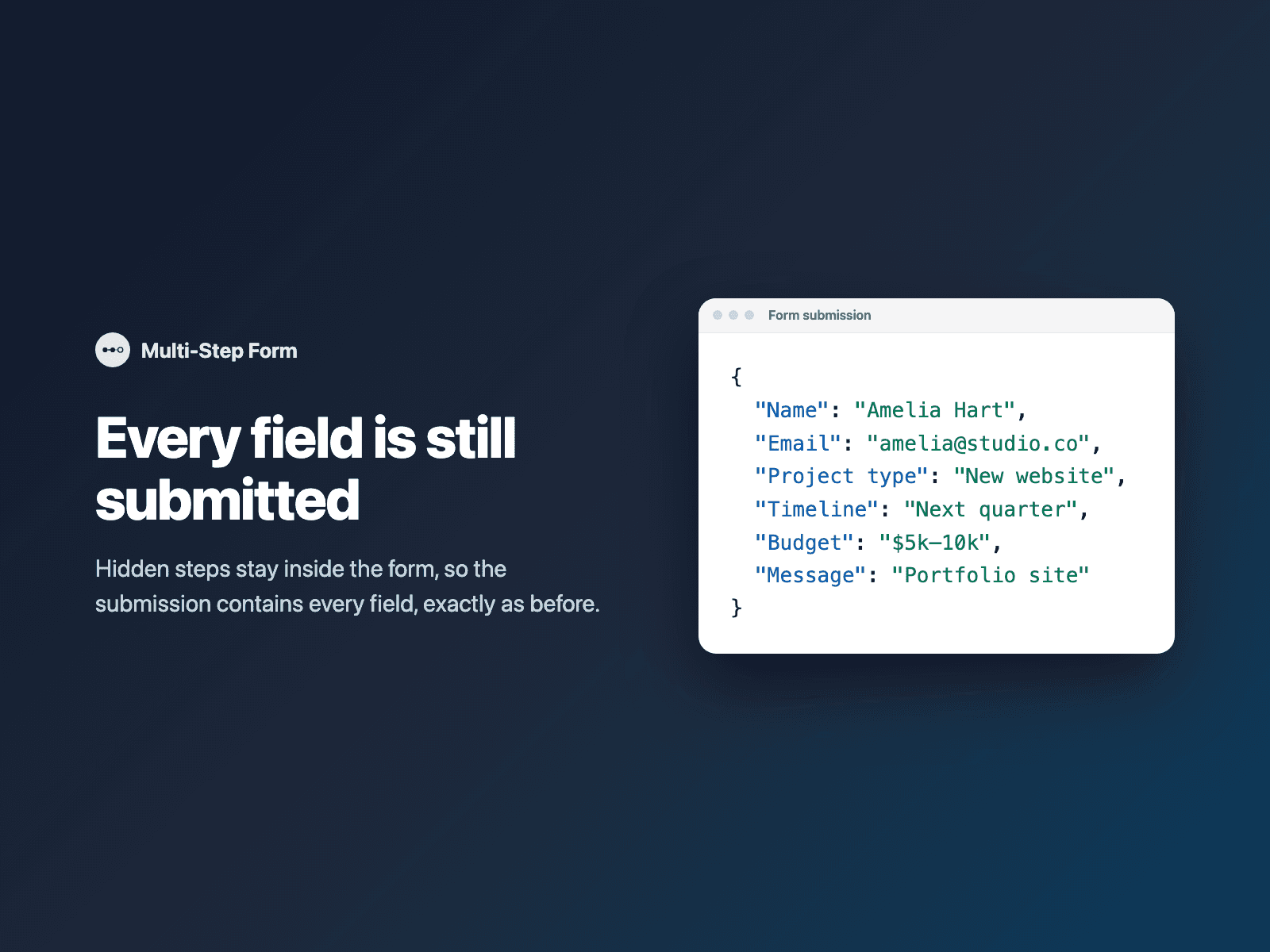
What your form receives
Every field of the form, exactly as before. Hidden steps stay inside the form, so nothing is lost.
{
  "Name": "Amelia Hart",
  "Email": "amelia@studio.co",
  "Project type": "New website",
  "Timeline": "Next quarter",
  "Budget": "$5k–10k",
  "Message": "Portfolio with a contact form"
}
How it works
No code, right inside Framer
Select your form
Select your Form on the Framer canvas.
Make it multi-step
Open Multi-Step Form and click Make multi-step. It is added as the first layer of the form.
Set the steps and publish
In the right panel, set the number of steps or fields per step and the step titles, then publish. The canvas shows a preview of the progress bar; the steps run on the published site.

Options
- Number of steps, or how many fields go in each step (for example 2, 2, 1)
- Step titles and a step count label
- Progress bar
- Back, Next and submit button labels
- Scroll to the top of the form between steps
- Font, colors, radius and padding
Written into your project as a code component. No external scripts, no network requests on your site.
Frequently asked questions
Do I lose fields from earlier steps?
No. Hidden steps stay inside the form, so the submission contains every field, exactly as before.
Does it check fields before moving on?
Yes. Next checks the fields of the current step before moving on, and the submit button only appears on the last step.
Why don't I see the steps on the canvas?
The steps run on the published site and preview. On the canvas the component shows a preview of the progress bar and does not change your layers.
Does it work with my form destination?
Yes. It works with every form destination: email, Google Sheets, webhooks, or FramerSend.
How much does Multi-Step Form cost?
Multi-Step Form is included in every FramerSend plan, together with the other field plugins and every connector. It is free for 14 days with no card, then from $5/month, $39/year or $89 one-time.
How do I sign in to the plugin?
With your FramerSend account. The plugin opens framersend.com/plugin/connect, you approve, and it signs in by itself.
Add Multi-Step Form to your Framer form
Included in every FramerSend plan with all 9 field plugins and every connector. Free for 14 days, then from $5/month.