URL Prefill for Framer forms
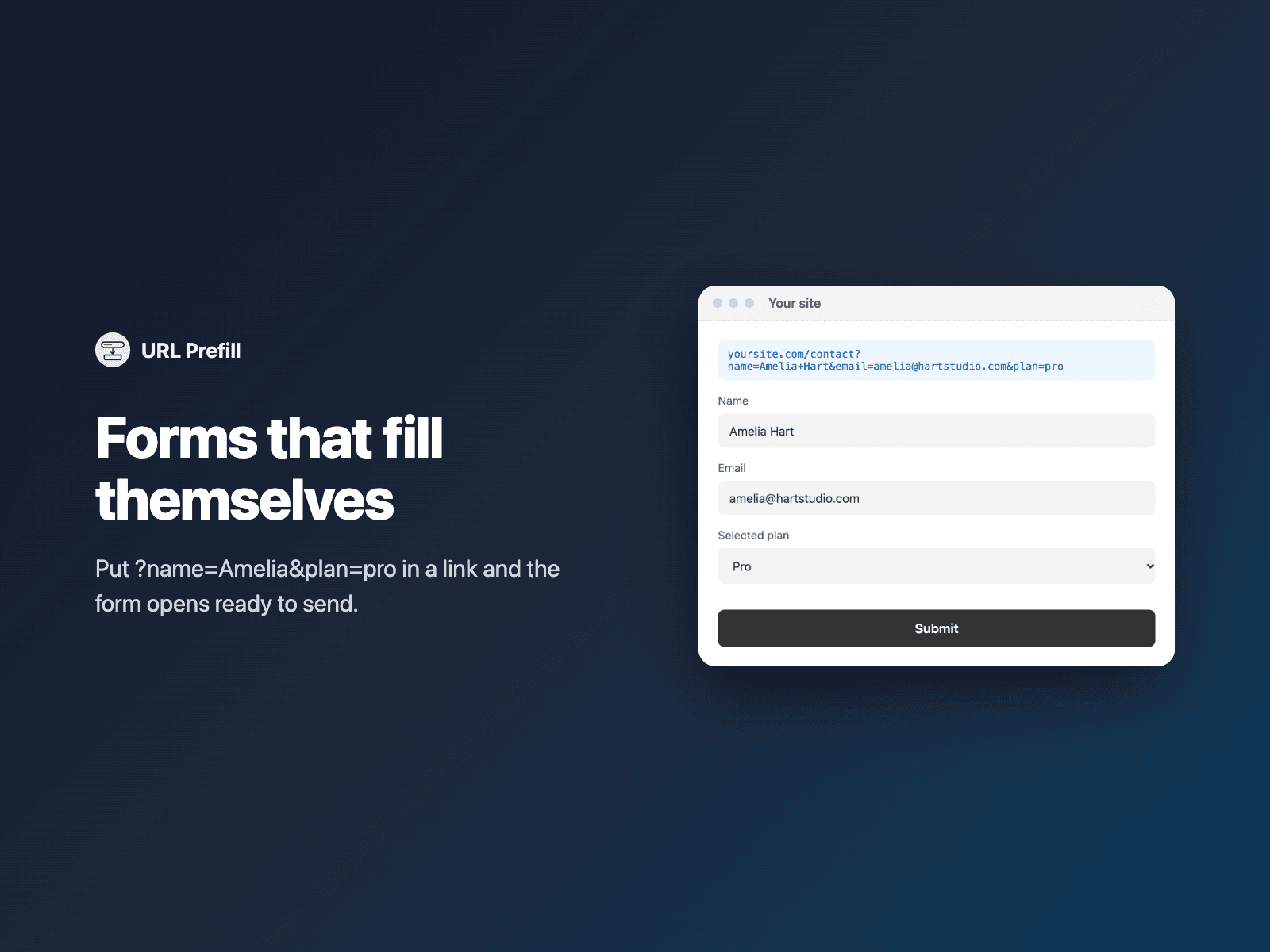
Fill form fields from the page URLFill fields of your native Framer form from the page address, such as ?name=Amelia&plan=pro, for links in emails, ads and your own pages.
Fields with the same name are filled automatically, or map parameters to fields one per line. Text fields, dropdowns, radio buttons and checkboxes all work.
Available right now inside FramerSend Fields (our all-in-one Marketplace plugin). Free for 14 days, no card, then from $5/month.
What your form receives
Nothing extra: the prefilled fields are sent as usual.
{
  "First name": "Amelia",
  "Email": "amelia@studio.co",
  "Plan": "Pro"
}
How it works
No code, right inside Framer
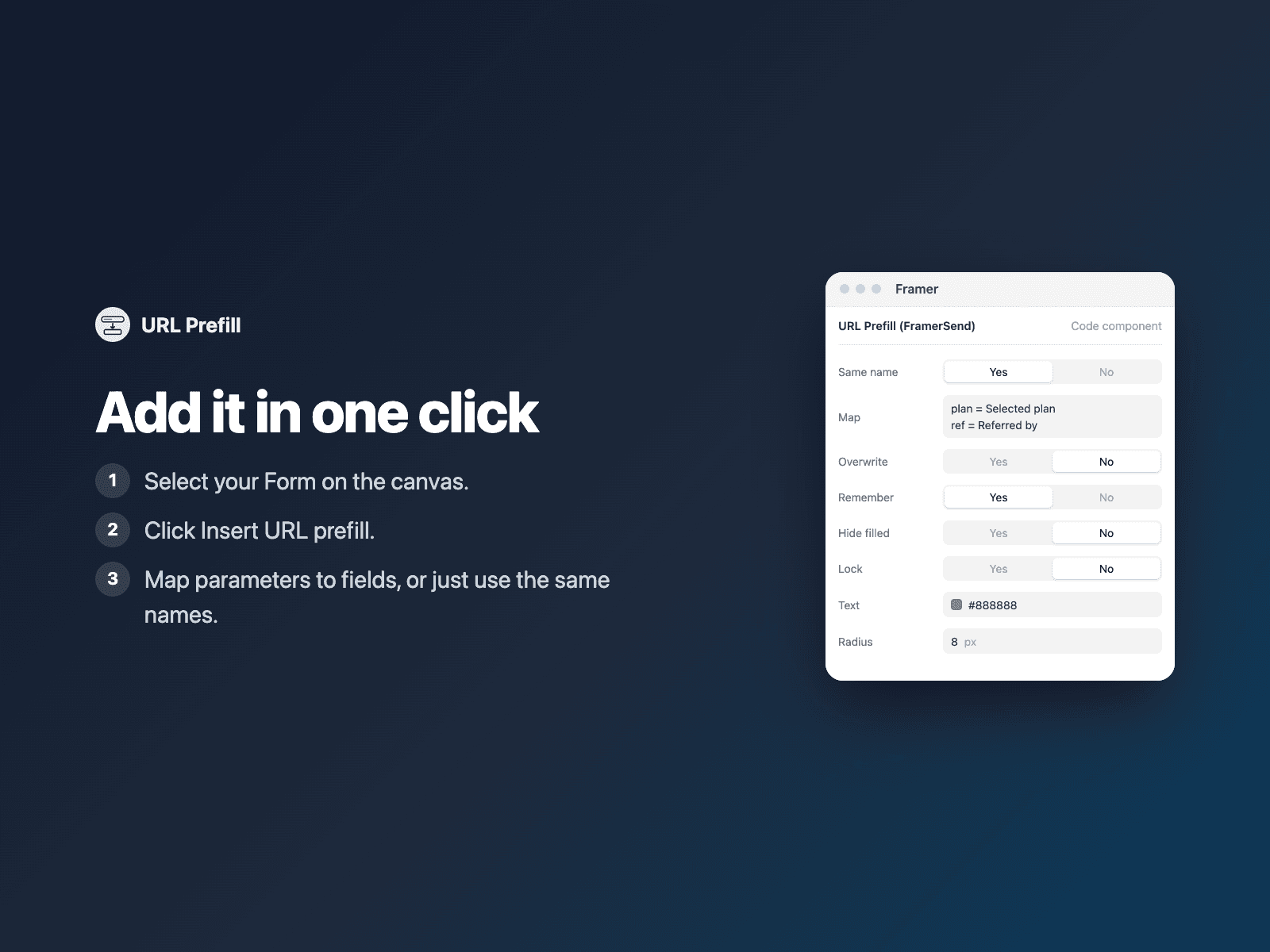
Select your form
Select your Form on the Framer canvas.
Insert the field
Open URL Prefill and click Insert URL prefill. It fills matching fields when the page opens.
Set it up
In the right panel, map parameters to field names if they differ.
Options
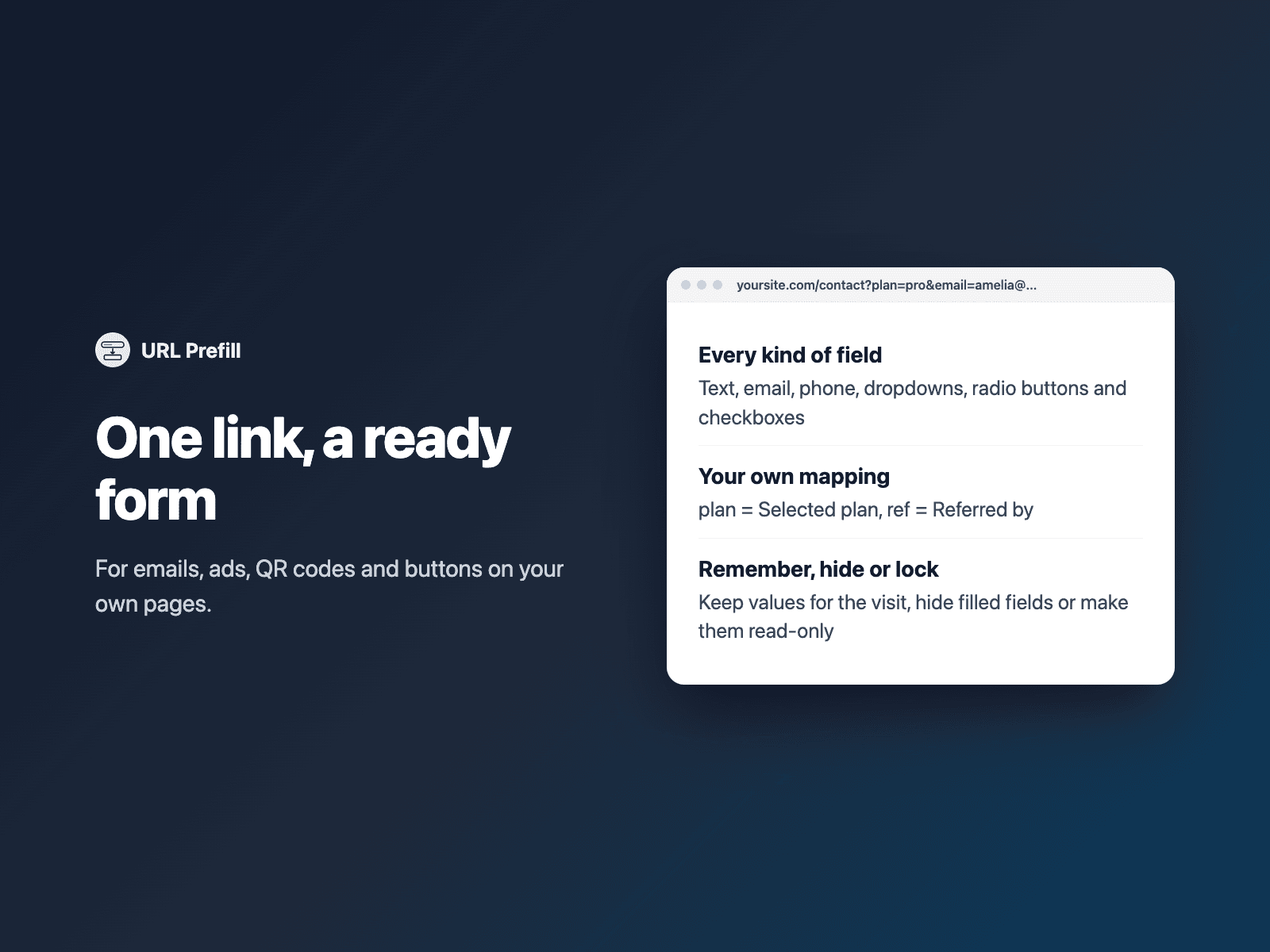
- Same-name matching, or param = Field name lines
- Text, email, phone, number, date, textarea, select, radio and checkbox
- Remember values for the session
- Hide or lock filled fields
- Overwrite values already filled
Written into your project as a code component. No external scripts, no network requests on your site.
Frequently asked questions
Which fields does it fill?
Any visible field whose name matches a parameter, ignoring case, spaces, underscores and hyphens, so ?first_name= fills "First name". It never fills passwords, hidden fields or spam traps.
Can I hide the prefilled fields?
Yes. Turn on Hide filled to hide fields that were filled with a valid value, or Lock to keep them visible but read-only.
Does it slow down my site?
The field is a code component written into your project. It loads no external scripts and makes no network requests on your site.
How much does URL Prefill cost?
URL Prefill is included in every FramerSend plan, together with the other field plugins and every connector. It is free for 14 days with no card, then from $5/month, $39/year or $89 one-time.
How do I sign in to the plugin?
With your FramerSend account. The plugin opens framersend.com/plugin/connect, you approve, and it signs in by itself.
Add URL Prefill to your Framer form
Included in every FramerSend plan with all 73 field plugins and every connector. Free for 14 days, then from $5/month.