Page Context for Framer forms
Page and device data in your formsAdd hidden page and device fields to your native Framer form.
When a visitor submits, the form also sends which page they were on and what they were using. Visitors see nothing; you get the context next to their answers, so you know which landing page, pricing page or blog post a lead came from.
Available right now inside FramerSend Fields (our all-in-one Marketplace plugin). Free for 14 days, no card, then from $5/month.
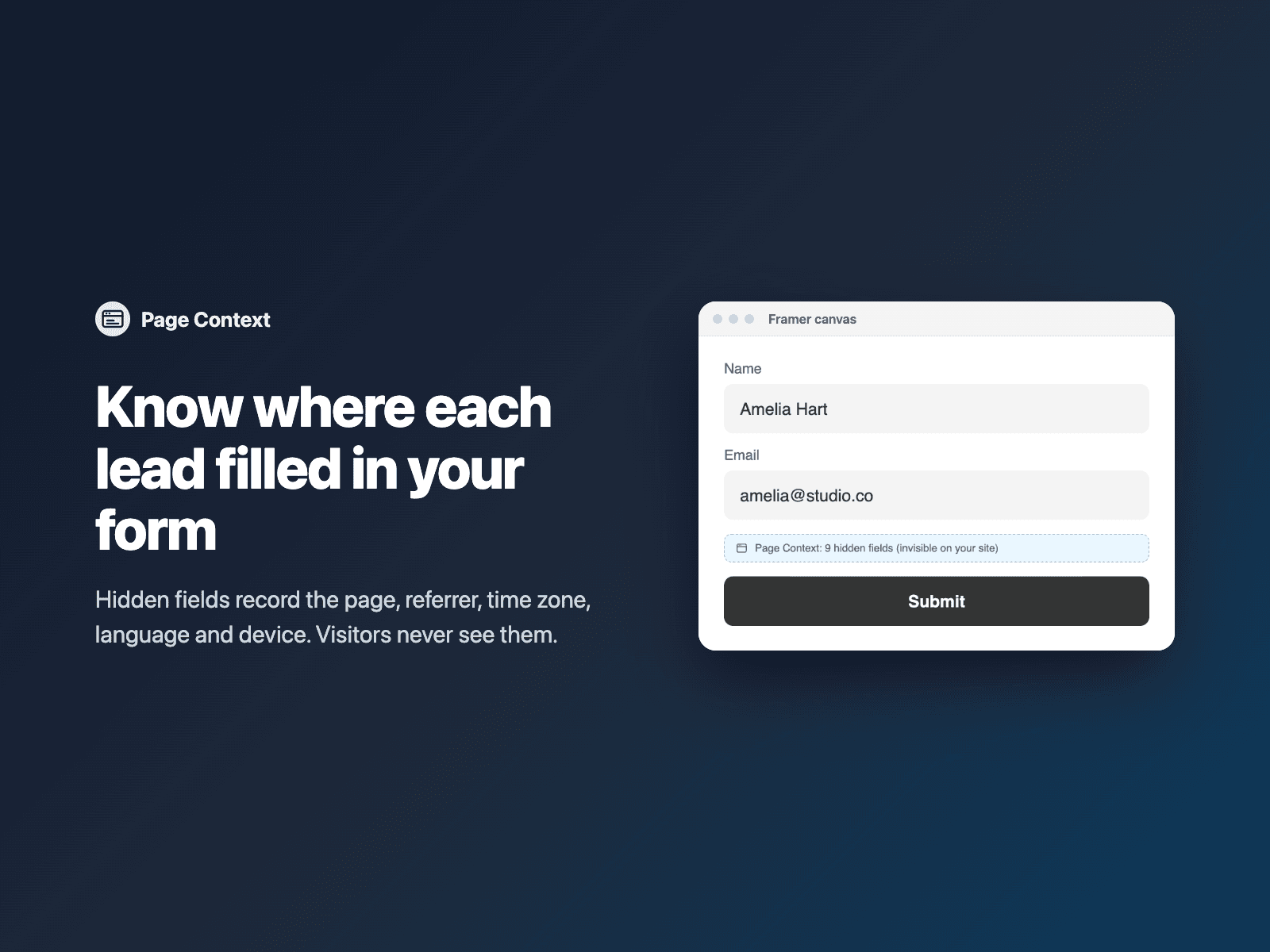
What your form receives
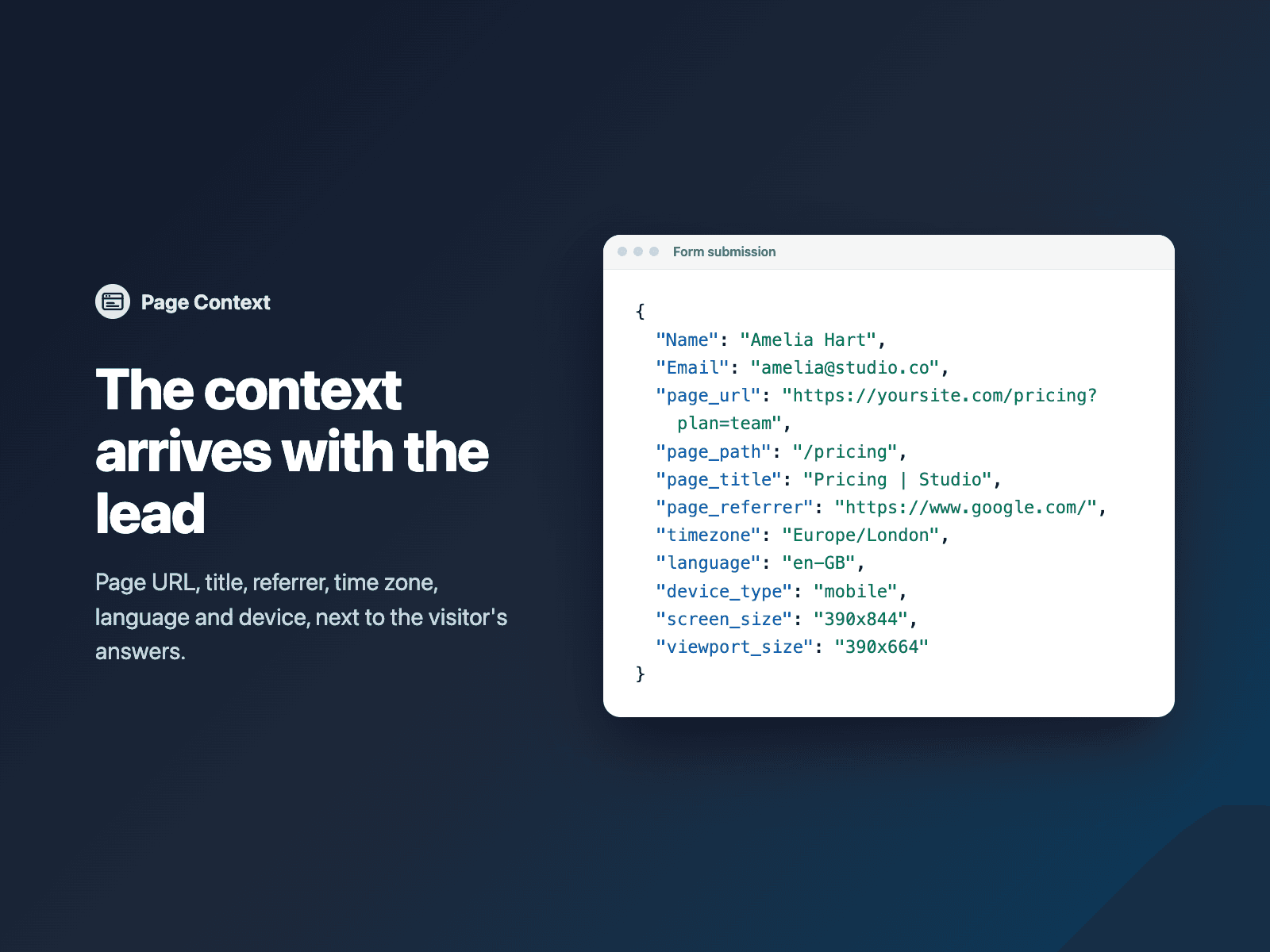
Hidden fields, each can be turned off or renamed: page_url, page_path, page_title, page_referrer, timezone, language, device_type, screen_size and viewport_size.
It is part of the native Framer form submission, so it goes wherever your form sends: email, Google Sheets, webhooks, or FramerSend connectors.
{
  "Name": "Amelia Hart",
  "Email": "amelia@studio.co",
  "page_url": "https://yoursite.com/pricing",
  "page_path": "/pricing",
  "timezone": "Europe/Berlin",
  "language": "en-US",
  "device_type": "desktop",
  "screen_size": "1920x1080",
  "viewport_size": "1440x900"
}
How it works
No code, right inside Framer
Select your form
Select your Form on the Framer canvas.
Insert the field
Open Page Context and click Insert page context. It is added at the end of the form, before UTM Capture if you use it.
Set it up
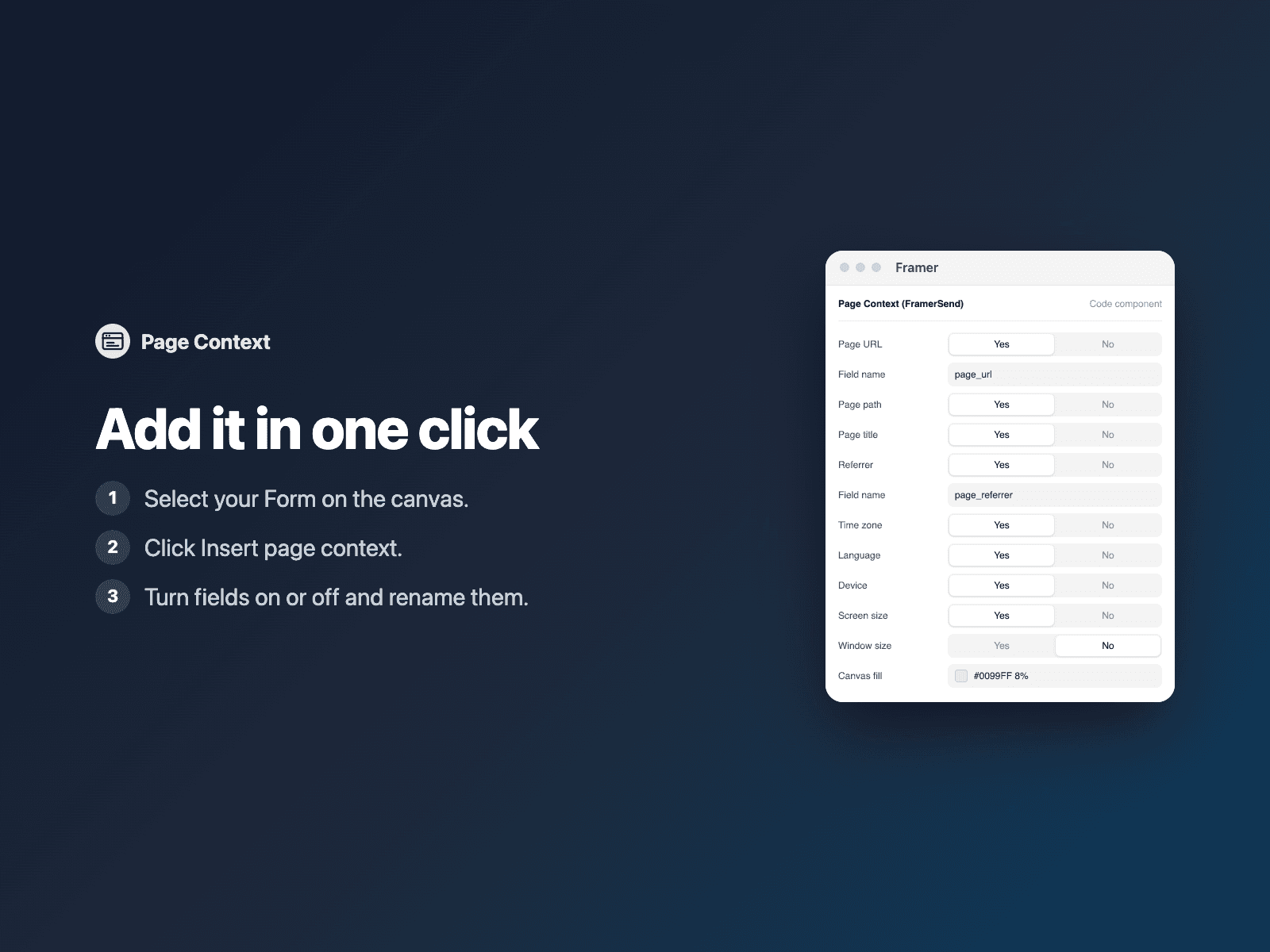
In the right panel, turn fields on or off and rename them.
Options
- Page address, path and title
- Referrer, when the browser shares it
- Time zone and browser language
- Device type, screen size and window size
- Turn each field on or off and rename it
Written into your project as a code component. No external scripts, no network requests on your site.
Frequently asked questions
When are the values read?
In the visitor's browser when they submit, so a title or window size that changed after the page loaded is still right.
How accurate is the device type?
It is a best guess from the browser's user agent and screen width. Some browsers send only the referrer's domain, or no referrer at all.
Can I use it with UTM Capture?
Yes. Pair it with UTM Capture to also record campaign tags and ad click IDs. Page Context is placed before UTM Capture in the form.
Does it slow down my site?
The field is a code component written into your project. It loads no external scripts and makes no network requests on your site.
How much does Page Context cost?
Page Context is included in every FramerSend plan, together with the other field plugins and every connector. It is free for 14 days with no card, then from $5/month, $39/year or $89 one-time.
How do I sign in to the plugin?
With your FramerSend account. The plugin opens framersend.com/plugin/connect, you approve, and it signs in by itself.
Add Page Context to your Framer form
Included in every FramerSend plan with all 73 field plugins and every connector. Free for 14 days, then from $5/month.