Rich Text Editor for Framer forms
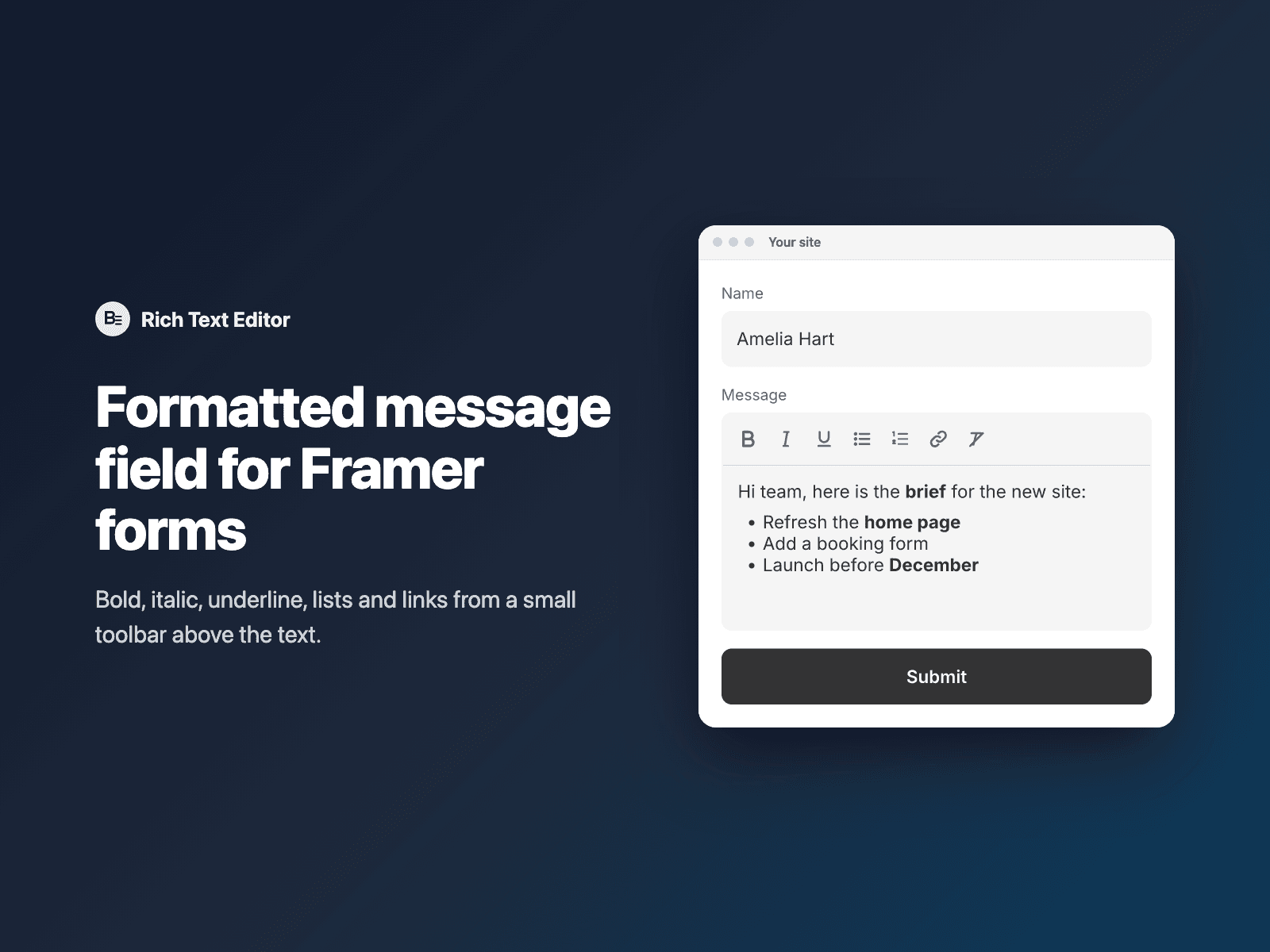
Formatted message field for formsAdd a message field with basic formatting to your native Framer form.
Visitors can write in bold, italic and underline, add bulleted and numbered lists, insert links and clear formatting from a small toolbar above the text.
Included in every FramerSend plan. Free for 14 days, no card, then from $5/month.
What your form receives
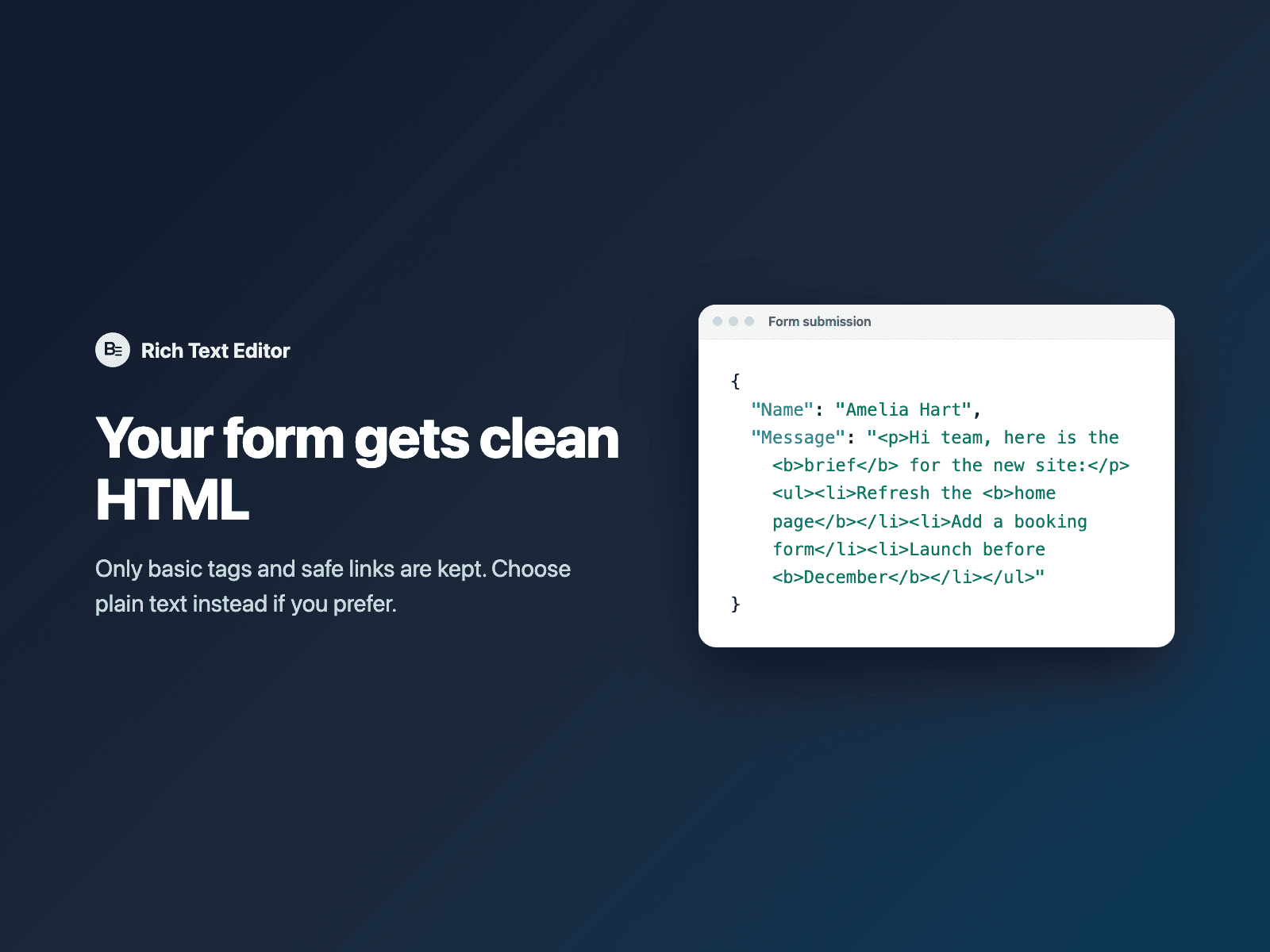
The message as clean HTML, or as plain text, under the field name you choose. The HTML is limited to paragraphs, line breaks, bold, italic, underline, lists and links to http, https or mailto addresses.
It is part of the native Framer form submission, so it goes wherever your form sends: email, Google Sheets, webhooks, or FramerSend connectors.
{
  "Name": "Amelia Hart",
  "Message": "<p>Hi team, here is the <b>brief</b> for the new site:</p><ul><li>Refresh the <b>home page</b></li><li>Add a booking form</li></ul>"
}
How it works
No code, right inside Framer
Select your form
Select your Form on the Framer canvas.
Insert the field
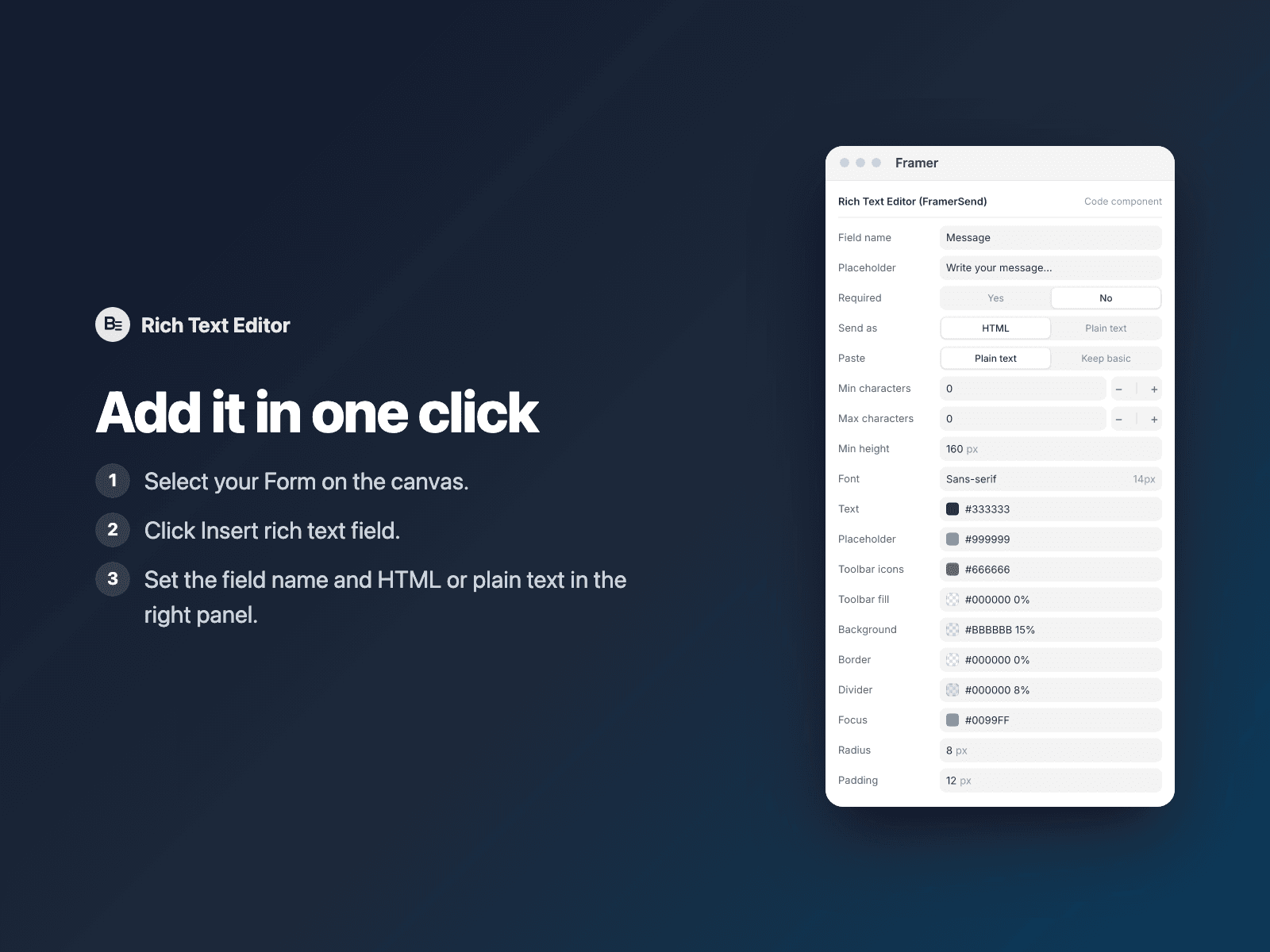
Open Rich Text Editor and click Insert rich text field. It is added above the submit button at full width.
Set it up
In the right panel, set the field name and choose HTML or plain text.
Options
- HTML or plain text output
- Required, with minimum and maximum characters
- Placeholder and minimum height
- Paste as plain text or with basic formatting
- Font, text, placeholder and toolbar colors
- Background, border, radius and padding
Written into your project as a code component. No external scripts, no network requests on your site.
Frequently asked questions
What HTML can visitors submit?
Only paragraphs, line breaks, bold, italic, underline, lists and links to http, https or mailto addresses. Everything else is removed, including styles pasted from other apps.
What happens when visitors paste text?
Pasted content comes in as plain text by default. You can switch to keeping basic formatting.
Can I receive plain text instead of HTML?
Yes. Choose HTML or plain text in the right panel.
Does it use any libraries?
No. The field is a code component written into your project. It uses no libraries, loads no external scripts and makes no network requests on your site.
How much does Rich Text Editor cost?
Rich Text Editor is included in every FramerSend plan, together with the other field plugins and every connector. It is free for 14 days with no card, then from $5/month, $39/year or $89 one-time.
How do I sign in to the plugin?
With your FramerSend account. The plugin opens framersend.com/plugin/connect, you approve, and it signs in by itself.
Add Rich Text Editor to your Framer form
Included in every FramerSend plan with all 9 field plugins and every connector. Free for 14 days, then from $5/month.