Work Email for Framer forms
Require business email in formsRequire a real business email address in your native Framer form — and block personal Gmail, Yahoo, Outlook, iCloud and disposable temp-mail addresses before the form is sent.
Allow partner domains, .edu / .gov suffixes or individual VIP addresses through, block competitor domains, or switch to Allowlist-only mode for internal and partner portals. Optionally send the visitor's company domain (such as stripe.com) in a second hidden field for CRM routing.
Available right now inside FramerSend Fields (our all-in-one Marketplace plugin). Free for 14 days, no card, then from $5/month.
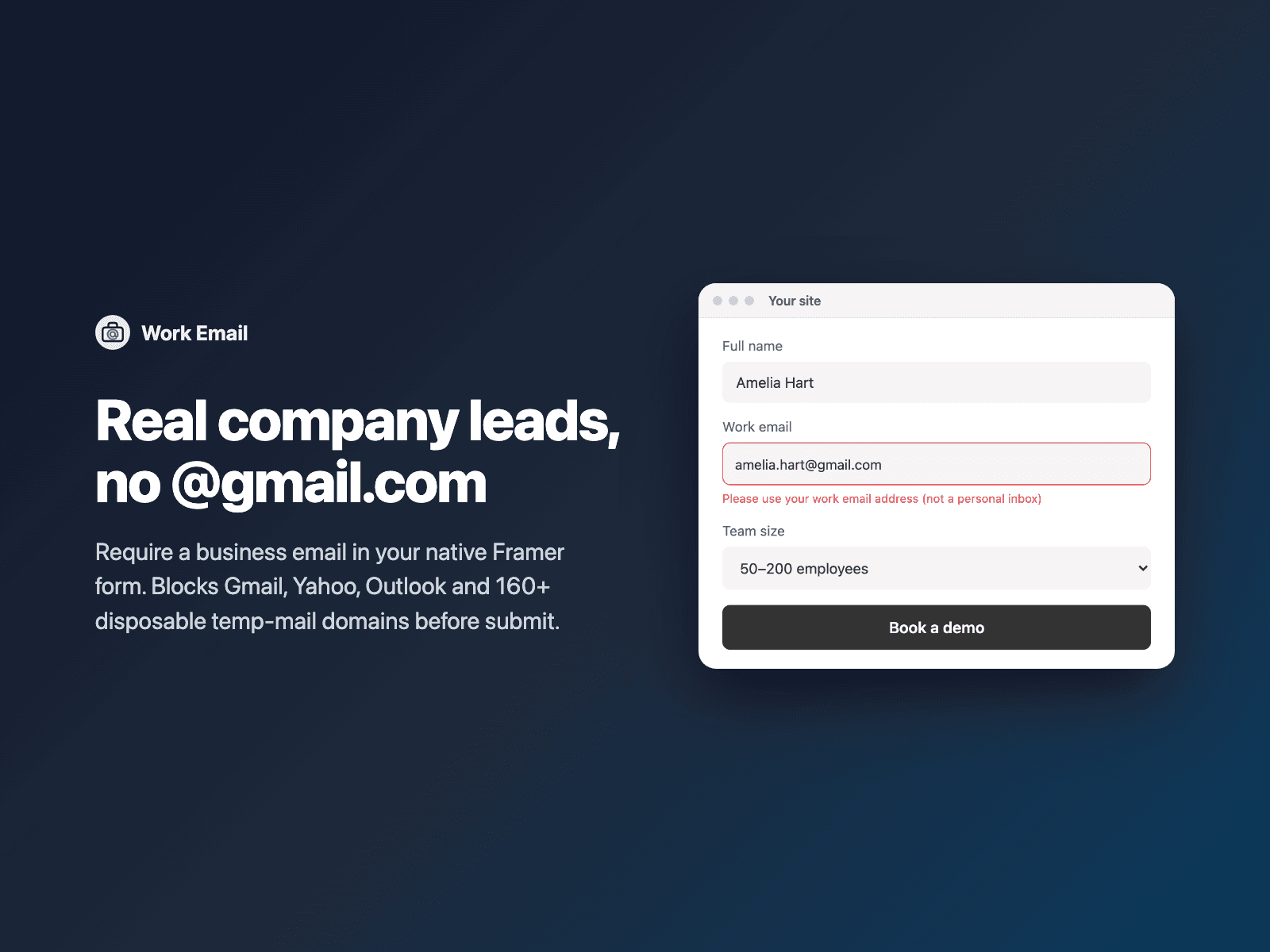
What your form receives
The validated business email under the field name you choose, plus an optional Company domain hidden field.
It is part of the native Framer form submission, so it goes wherever your form sends: email, Google Sheets, webhooks, or FramerSend connectors.
{
  "Name": "Amelia Hart",
  "Work email": "amelia.hart@stripe.com",
  "Company domain": "stripe.com"
}
How it works
No code, right inside Framer
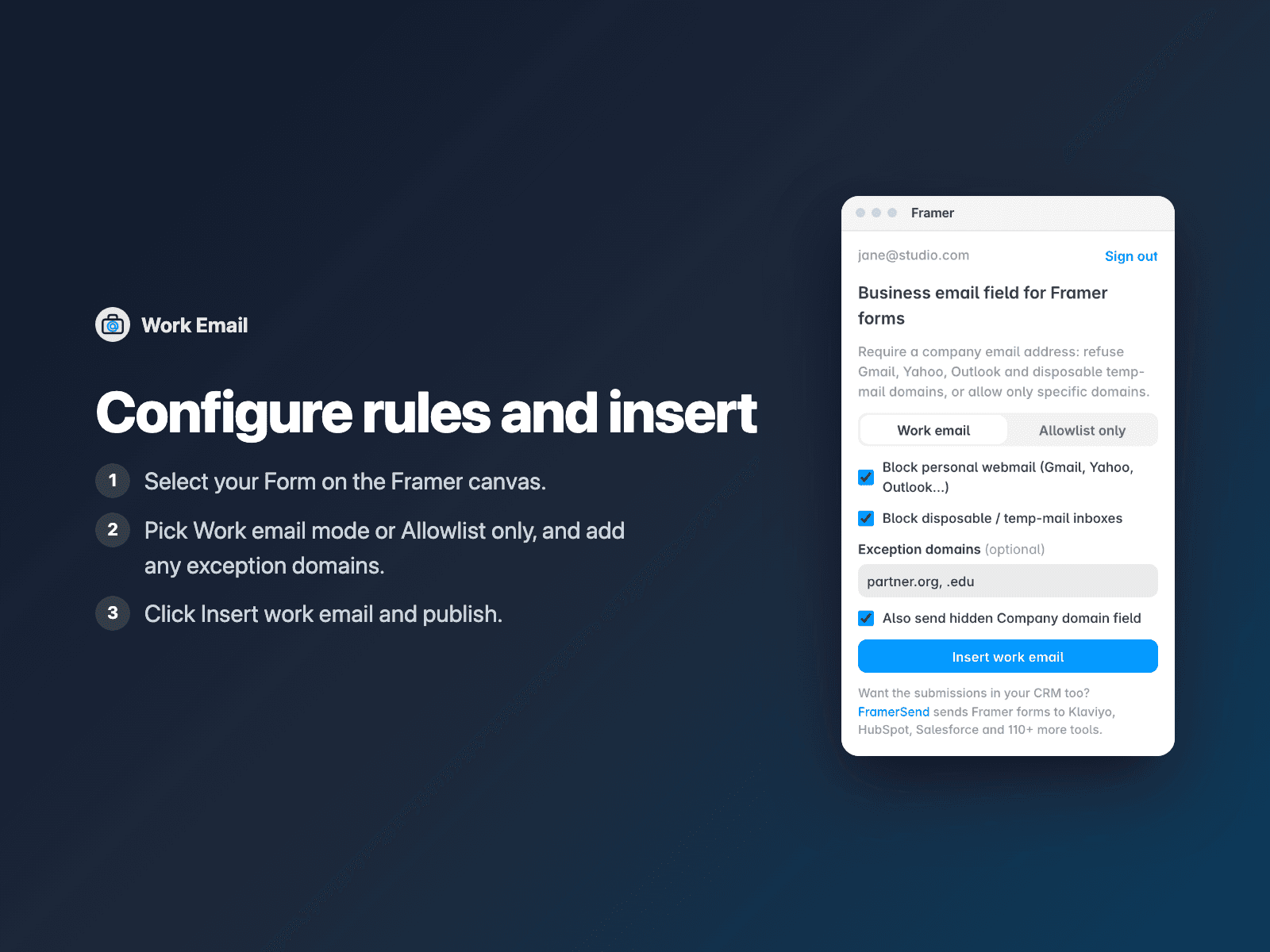
Select your form
Select your Form on the Framer canvas.
Configure domain rules
Open Work Email, pick Work email or Allowlist-only mode, and add any exception domains.
Insert
Click Insert work email, style it to match your form and publish.
Options
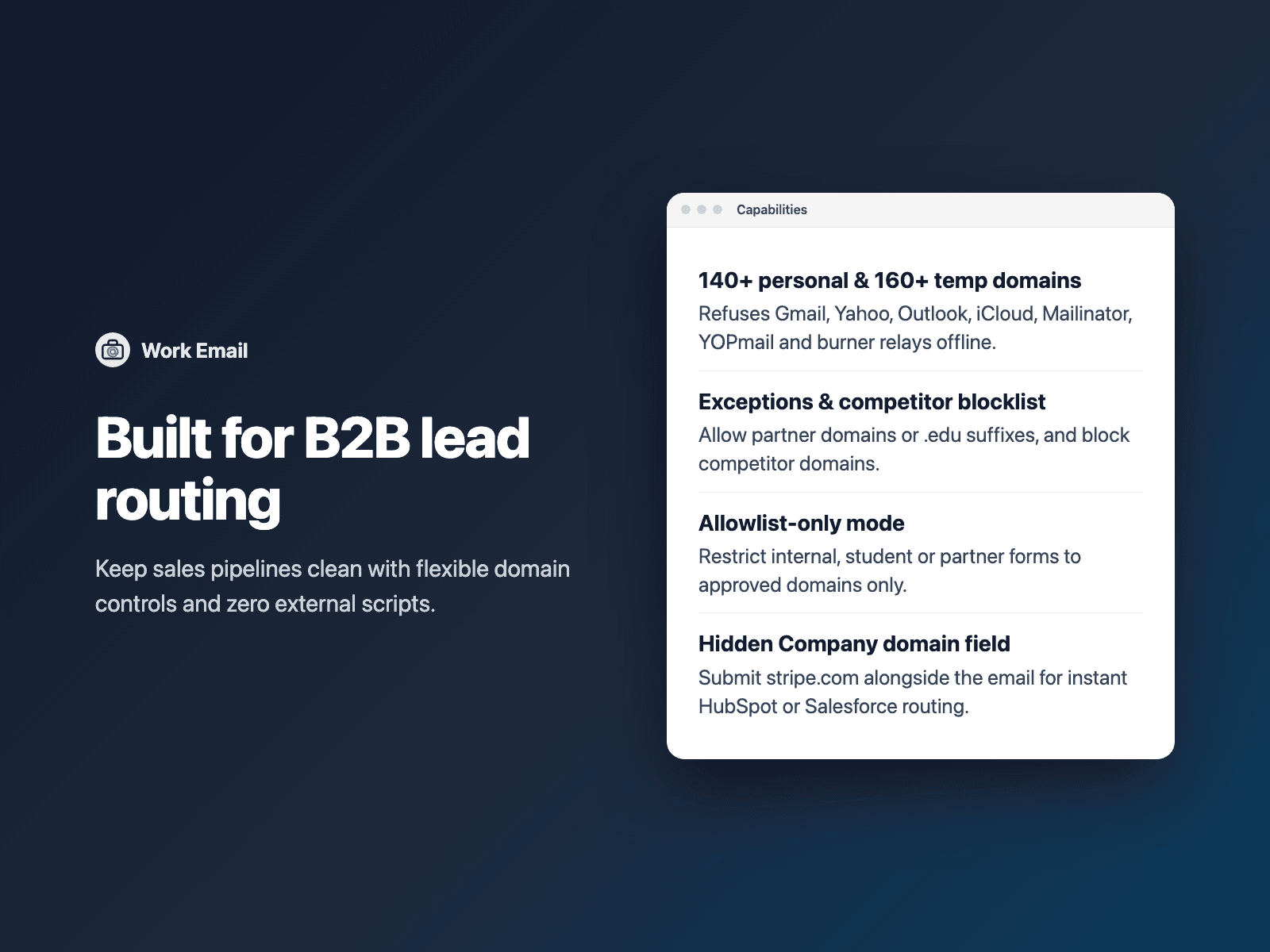
- Work email mode (blocks 140+ free webmail & 160+ temp-mail domains) or Allowlist-only mode
- Exception allowlist for partner domains, .edu / .gov suffixes or specific addresses
- Custom competitor / blocked domain list with subdomain matching
- Optional hidden Company domain field for CRM routing
- Lowercase normalization on blur and custom error messages per rule
- Font, colors, border radius and padding
Written into your project as a code component. No external scripts, no network requests on your site.
Frequently asked questions
Which email providers are blocked?
140+ personal webmail providers (Gmail, Yahoo, Hotmail, Outlook, Live, iCloud, Proton, AOL, GMX and regional variants) and 160+ disposable burner services (Mailinator, 10MinuteMail, Temp-Mail, YOPmail, Guerrilla Mail and privacy relays). Both toggles can be switched on or off independently.
Can I allow .edu addresses or specific partners?
Yes. Add partner.org, .edu, or an individual address like founder@gmail.com to Allowed domains and they will be accepted even when personal webmail is blocked.
What does the Company domain field send?
When turned on, it adds a hidden field (Company domain by default) containing the domain part of the visitor's email, such as stripe.com, so HubSpot, Salesforce or Attio can route or enrich the lead immediately.
Does it slow down my site?
The field is a code component written into your project. It loads no external scripts and makes no network requests on your site.
How much does Work Email cost?
Work Email is included in every FramerSend plan, together with the other field plugins and every connector. It is free for 14 days with no card, then from $5/month, $39/year or $89 one-time.
How do I sign in to the plugin?
With your FramerSend account. The plugin opens framersend.com/plugin/connect, you approve, and it signs in by itself.
Add Work Email to your Framer form
Included in every FramerSend plan with all 73 field plugins and every connector. Free for 14 days, then from $5/month.