File Upload for Framer forms
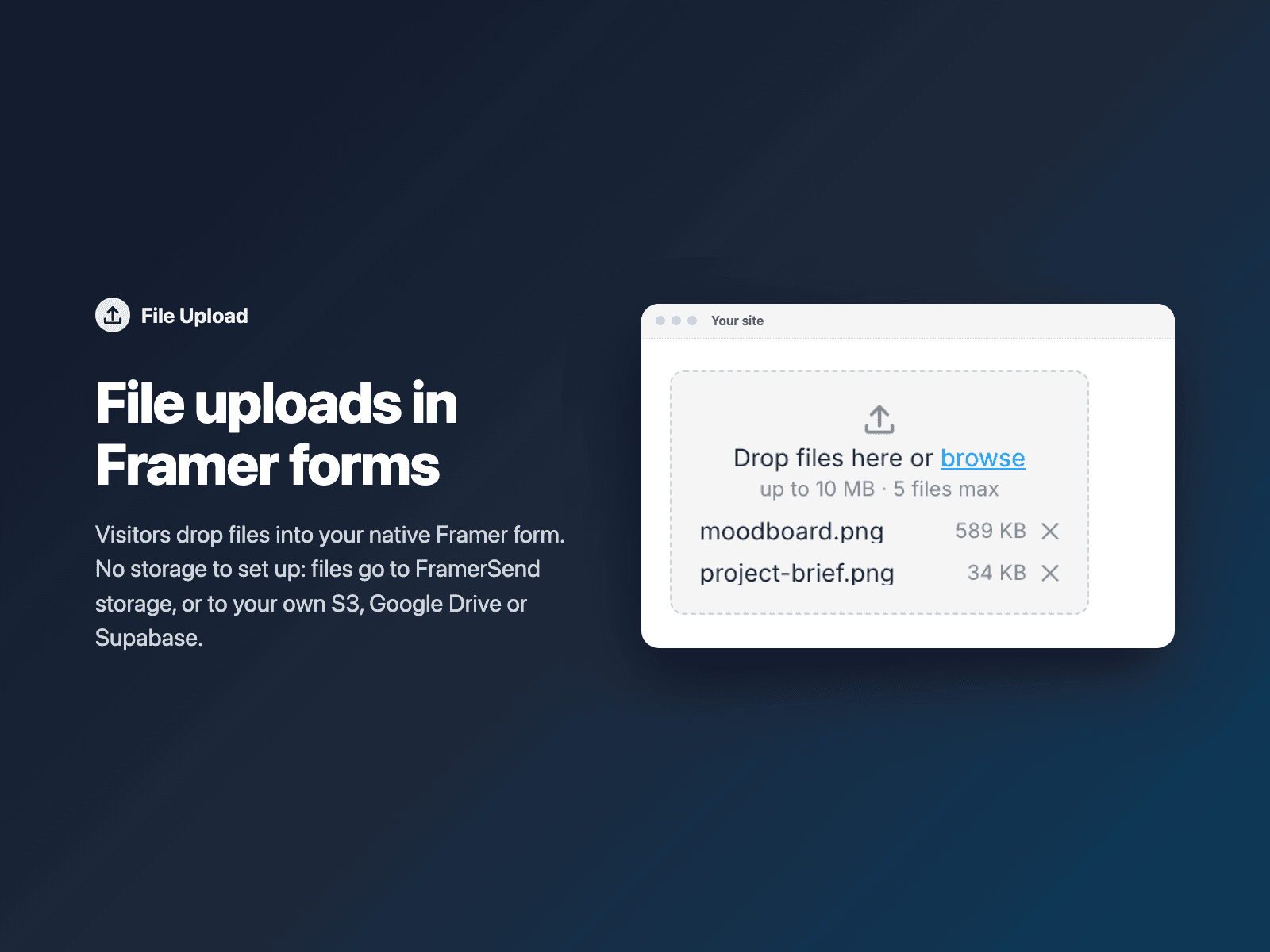
File uploads in native Framer formsLet visitors drop files into your native Framer form: briefs, CVs, photos, invoices. Each file uploads straight from the browser with a progress bar.
No storage to set up: files go to FramerSend storage (10 MB per file, 1 GB per account, kept 90 days), or to your own AWS S3, Google Drive or Supabase Storage if you connect one.
Included in every FramerSend plan. Free for 14 days, no card, then from $5/month.
What your form receives
A private link to each file (comma-separated), which reaches your CRM, sheet or email like any other field.
It is part of the native Framer form submission, so it goes wherever your form sends: email, Google Sheets, webhooks, or FramerSend connectors.
{
  "Name": "Amelia Hart",
  "Email": "amelia@studio.co",
  "Files": "https://…/form-uploads/moodboard.png?token=…"
}
How it works
No code, right inside Framer
Select your form
Select your Form on the Framer canvas.
Pick your FramerSend form
Open File Upload and choose the FramerSend form the files belong to.
Insert
Click Insert file upload and publish your site.


Options
- Drag and drop or browse
- Up to 5 files per form
- Allowed file types
- Max size per file (up to 10 MB on FramerSend storage)
- Your own S3, Google Drive or Supabase (optional)
- Colors and font
Written into your project as a code component. No external scripts, no network requests on your site.
Frequently asked questions
Do I need my own storage?
No. Files go to FramerSend storage: 10 MB per file, 1 GB per account, kept 90 days. Connect AWS S3, Google Drive or Supabase Storage if you want them in your own account.
Are the files public?
No. Each file gets a private signed link that is valid for 90 days. Without the link nobody can open the file.
Is it included in my plan?
Yes, File Upload is included in every FramerSend plan.
How much does File Upload cost?
File Upload is included in every FramerSend plan, together with the other field plugins and every connector. It is free for 14 days with no card, then from $5/month, $39/year or $89 one-time.
How do I sign in to the plugin?
With your FramerSend account. The plugin opens framersend.com/plugin/connect, you approve, and it signs in by itself.
Add File Upload to your Framer form
Included in every FramerSend plan with all 73 field plugins and every connector. Free for 14 days, then from $5/month.