How to Send Framer Form Submissions & Price Quotes Straight to WhatsApp
Turn native Framer forms and price calculators into pre-filled WhatsApp chats while still saving every lead to your email inbox, Google Sheet or CRM.

Dong Trinh
Lead Architect at FramerSend
Across Europe, Latin America, the Middle East, India and Southeast Asia — and increasingly for high-touch design agencies, clinics, real estate teams and custom studios worldwide — prospects reply on WhatsApp in minutes while cold confirmation emails sit unread for days.
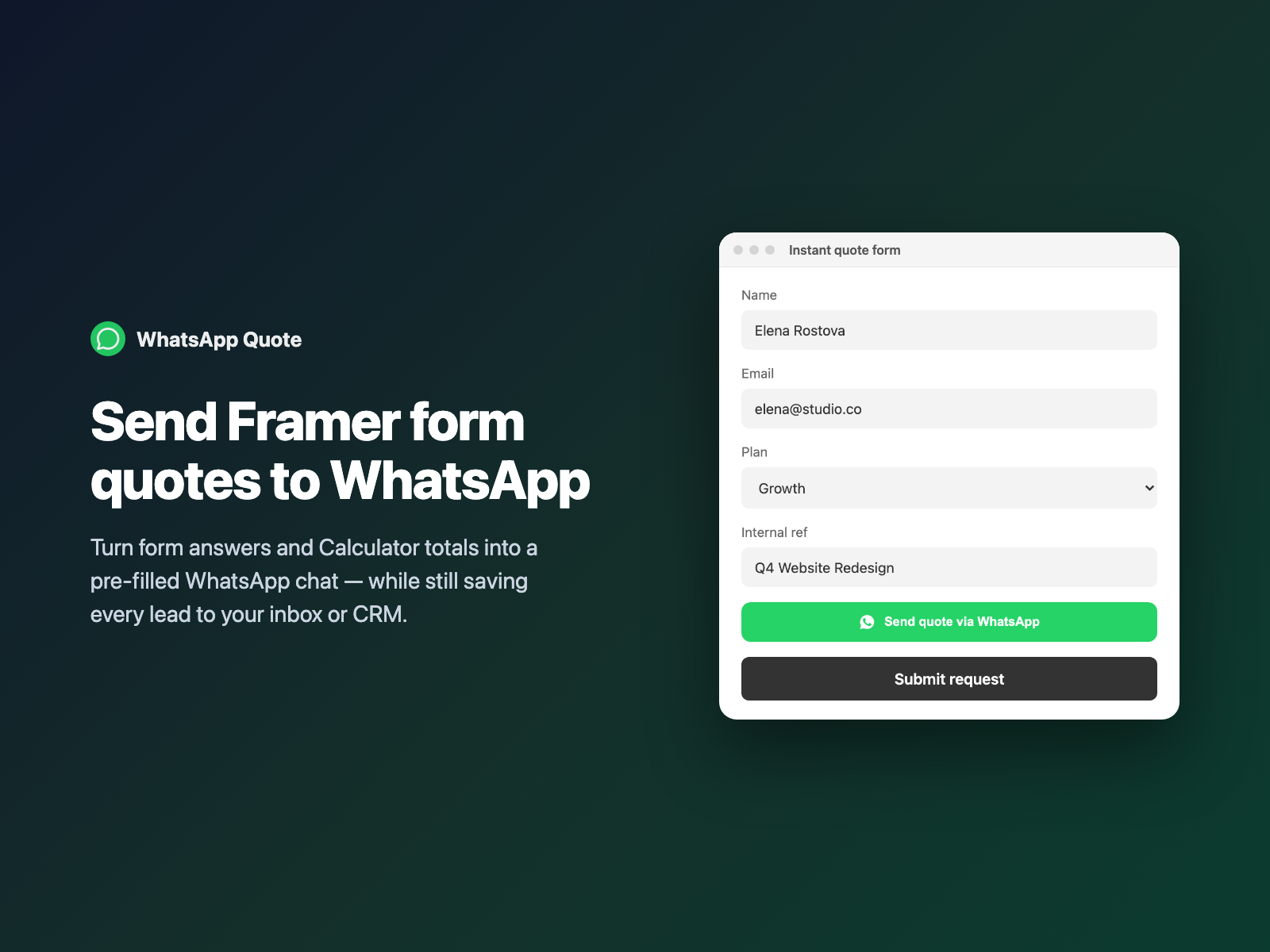
WhatsApp Quote bridges native Framer forms and instant WhatsApp conversations: visitors configure their project scope or price quote inside your Framer form, and jump straight into a pre-filled WhatsApp chat with your team without sacrificing structured CRM capture.
Why instant WhatsApp handoffs close faster than email
Moving a warm prospect from a landing page form into an active chat thread while they are still holding their phone dramatically shortens sales cycles:
- Zero "Hey, what can we help you with?" friction. Your team receives the visitor's name, package selection, timeline and calculated budget in the very first message.
- 90%+ open and reply rates. Follow-ups, portfolio PDFs and voice notes happen in the app your client checks dozens of times a day.
- Dual-channel safety. Even if the visitor gets distracted before pressing Send inside WhatsApp, your Framer form has already saved their email and answers to Google Sheets, Notion or HubSpot.
Why a static wa.me button loses lead context and CRM records
Many Framer sites drop a floating WhatsApp icon in the corner linking to https://wa.me/14155550199?text=Hi. For serious lead generation, static chat links create three blind spots:
Static wa.me button | WhatsApp Quote inside a native Framer form |
|---|---|
| Opens a blank "Hi" message — sales reps spend 10 messages asking basic intake questions. | Pre-fills every visible answer, label and Calculator quote total into a structured summary. |
| Bypasses required field validation and spam checks completely. | Runs native HTML5 & FramerSend validation before opening WhatsApp so incomplete forms are caught first. |
| Leaves zero record in your CRM, spreadsheet or ad conversion pixels if the user closes WhatsApp. | Submits the native Framer form alongside opening WhatsApp (or triggers right after native submit). |
How WhatsApp Quote formats answers and saves the lead
WhatsApp Quote is a self-contained code component (zero external scripts, zero network requests on your page) with three flexible trigger modes:
- WhatsApp button mode — renders a customizable WhatsApp CTA button (with inline WhatsApp icon, brand green
#25D366or your own palette). Clicking validates the form, opens the pre-filledwa.mechat, and (when Also submit Framer form is on) submits the Framer form at the same time. - After form submit mode — stays completely invisible while the visitor fills out your native Framer form, captures the formatted
wa.melink the moment valid submission fires (before Framer resets the form), opens WhatsApp, and displays a clickable fallback link so mobile popup blockers never drop a lead. - Clean field serialization — automatically skips Framer's 11 invisible
aria-hiddenspam-trap inputs and any fields currently hidden by Conditional Fields, and supports both All fields list (• Label: Valuebullets) and Custom template ({Name:first | there},{Plan | Custom},{Total | $0}— parsed safely with zeroeval()).
Add WhatsApp quotes to a Framer form in three steps
- Select your native Form on the Framer canvas, open FramerSend Fields, and pick WhatsApp Quote.
- Enter your WhatsApp or WhatsApp Business number with country code (for example
+1 415 555 0199— spaces,+and parentheses are cleaned automatically), choose WhatsApp button, After submit or Both, and click Insert WhatsApp quote. - Pick All fields list or customize a
{Field}message template in Framer's right-hand panel, then publish and test on desktop or mobile.
Pair WhatsApp Quote with Calculator, Conditional Fields and Answer Piping
Combining interactive pricing with a one-tap WhatsApp handoff turns a static service page into an automated quote engine:
- Interactive agency or clinic estimator: let visitors pick deliverables, quantity steppers and add-ons with Calculator, preview their personalized recap live on the page with Answer Piping ("Hi {Name:first | there}, your {Service} estimate is {Total}"), and tap Send quote to WhatsApp to lock it in.
- Branching service questions: use Conditional Fields to show e-commerce questions only when Project type = Online Store; WhatsApp Quote automatically omits hidden branches so the chat message stays crisp.
- CRM reply link: enable Send WhatsApp link to include the exact
wa.meURL as a hidden field in your submission so your team can also jump into the thread straight from Slack or email alerts.
What we tested
We verified 15 automated Playwright harness checks and 7 plugin-panel checks: international phone sanitization (+44 (0) 7400-123456 and 00... prefixes to clean wa.me digits), automatic bulleted summaries with Calculator totals, {Name:first | fallback} custom templates without eval(), skipping Framer honeypots and data-fs-cond-hidden branches, blocking invalid required fields before opening WhatsApp, preserving post-submit fallback links across form.reset(), hidden WhatsApp link submission fields, and zero external network requests.
Get WhatsApp Quote inside FramerSend Fields along with all 72 Framer form fields and 110+ connectors — free for 14 days with no card, then from $5/month.
Frequently asked questions
Can a native Framer form send visitor answers into WhatsApp?
Not natively. Framer buttons can only open a static link. WhatsApp Quote reads every visible answer inside your native Framer form (including dropdowns, checkboxes and live Calculator totals) and opens an official wa.me chat pre-filled with a clean summary.
Does my Framer form still save the lead to email, Google Sheets or HubSpot?
Yes. In After form submit mode, Framer saves the submission first and then launches WhatsApp. In WhatsApp button mode, keeping Also submit Framer form enabled validates the form, submits the lead to Framer or FramerSend, and opens WhatsApp in one tap.
Do I need the WhatsApp Business API, Twilio or Meta template approval?
No. WhatsApp Quote uses official WhatsApp click-to-chat (wa.me) links, which work immediately with any standard WhatsApp or WhatsApp Business phone number on iOS, Android, Mac and Windows.
Can I customize the WhatsApp message format or include Calculator totals?
Yes. Choose All fields list for an automatic bulleted summary of visible fields, or switch to Custom template to write messages such as Hi team, I am {Name:first | a visitor} interested in {Plan | Growth} — estimated quote: {Total | TBD}.
What if mobile Safari blocks automatic new-tab popups after form submit?
When running in After form submit or Both mode, WhatsApp Quote captures the formatted wa.me URL before Framer resets the inputs and reveals a clean Continue in WhatsApp fallback button right inside the form so mobile visitors never lose their quote.
Where do I install WhatsApp Quote for Framer?
Open FramerSend Fields on the Framer Marketplace (74 fields in one plugin) and select WhatsApp Quote. It is included in every FramerSend plan from $5/month after a 14-day free trial with no card.
Connect Framer to 100+ CRMs in 60 seconds
14-day free trial, no card needed. Copy your Submit URL and paste straight into Framer.
Related Articles
How to Connect Framer Forms to Any CRM in 2026 (No Code & No Zapier)
A complete step-by-step tutorial on routing native Framer form submissions directly into Klaviyo, HubSpot, Mailchimp, or Salesforce in under 60 seconds.
Framer Form Not Sending? 9 Fixes for Submissions That Never Arrive
Framer form not sending or submissions not arriving? Work through 9 fixes: publishing, Send To settings, validation, spam filters, webhooks and field names.
How to Show Personalized Quiz Results and Outcome Cards in Native Framer Forms
Turn Quiz Score totals, Calculator quotes and dropdown answers into tailored result cards with their own badge, headline and CTA — inside native Framer forms.