Framer form templates
Ready-made forms for the jobs every site has: contact, quotes, bookings, job applications, signups, events, surveys and lead qualification. Insert one into your Framer project in one click, then send its entries to your inbox or 100+ tools.
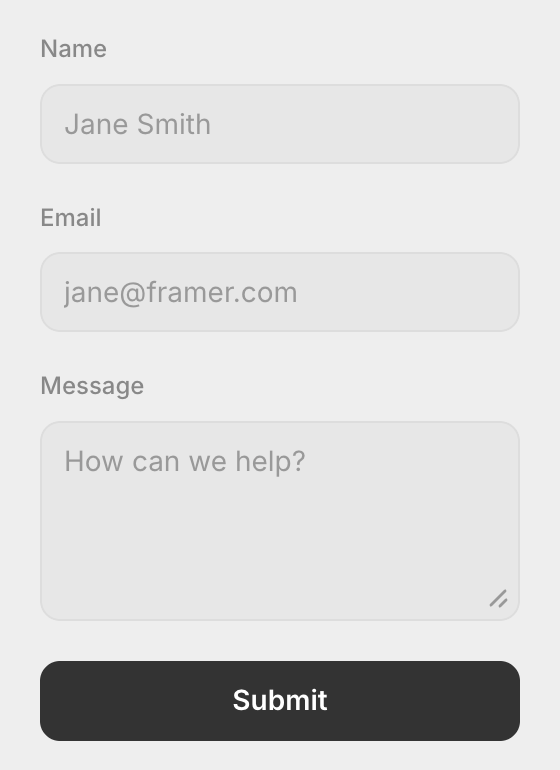
Contact form
The classic contact form with spam protection built in.
- Name
- Message
- Spam Shield
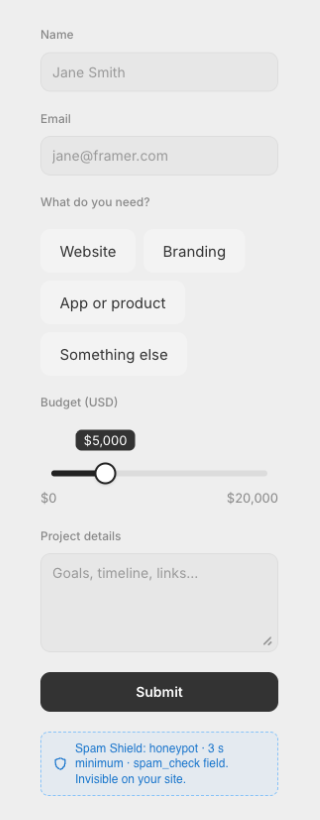
Quote request
Collect the service and budget up front, so every lead is ready to price.
- Name
- Service (button choice)
- Budget ($0–20k range slider)
- Project details
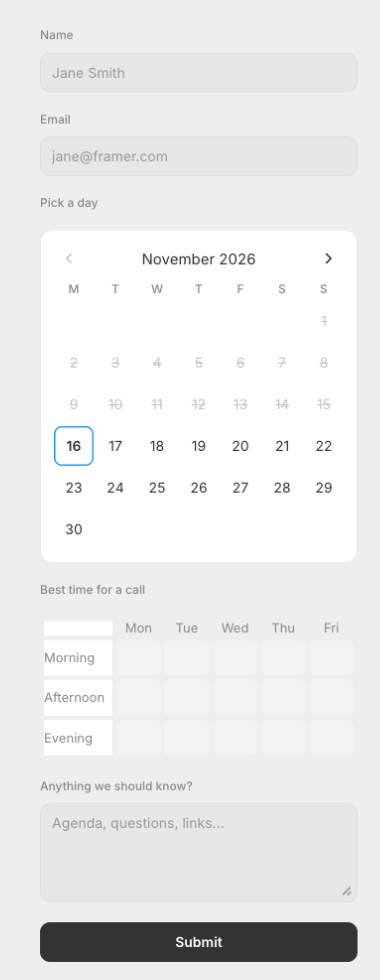
Book a call
Visitors pick a day on an inline calendar and the times that suit them.
- Name
- Pick a day (inline calendar)
- Best time (weekly availability, Mon–Fri)
- Notes
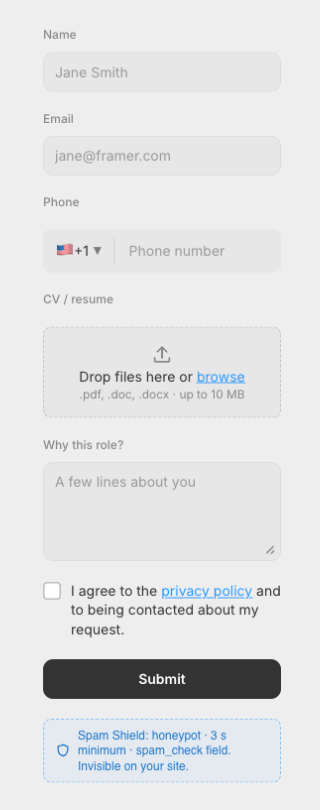
Job application
Applicants send their details and upload a CV, with a consent checkbox.
- Name
- Phone (international)
- CV upload (PDF, DOC, DOCX)
- Cover note
- Consent
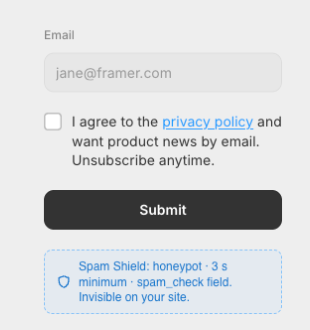
Newsletter signup
A compact email signup with an explicit marketing consent checkbox.
- Consent to product news
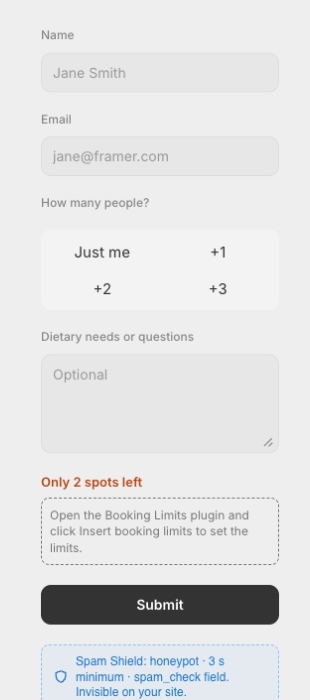
Event registration
Registrations with a guest count, dietary needs and a seat cap.
- Name
- Guests (button choice)
- Dietary needs
- Booking Limits (seat cap)
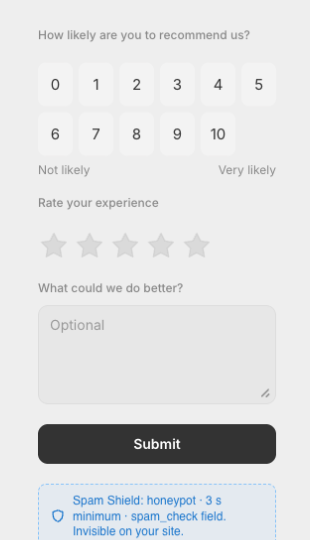
Feedback survey
Measure satisfaction with an NPS score, a star rating and a comment.
- NPS (0–10)
- Star rating
- Comment
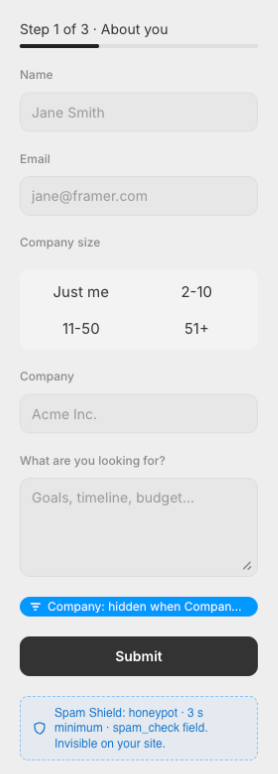
Lead qualification
A 3-step form that only asks for the company when the lead is not a solo buyer.
- Multi-step (3 steps)
- Name
- Company size
- Company (hidden for “Just me”)
- Details
From template to working form in a minute
1. Open the plugin
Install FramerSend from the Framer Marketplace and open its Templates tab.
2. Insert a template
Click Insert. The native Framer form lands on your canvas, ready to restyle.
3. Connect and publish
Pick your inbox or a tool, set Send To → Email on the Form and publish.
The templates use FramerSend form fields and send to any of our connectors.
Questions
Are these native Framer forms?
Yes. Every template is a native Framer Form with FramerSend fields inside, so you keep Framer's styling, breakpoints and its Send To options. After inserting, every layer is yours to edit.
How do I insert a template?
Install the FramerSend plugin from the Framer Marketplace, open its Templates tab and click Insert. The form lands on your canvas, selected, and the plugin offers to connect it to your inbox or any of 100+ tools right away.
Where do the submissions go?
Wherever you connect the form: your email inbox, a CRM like HubSpot or Klaviyo, Notion, Google Sheets, a webhook and more. The plugin adds FramerSend Connect to the form, so there is no webhook URL to paste.
What does it cost?
Templates are free and need no account. Every form field is free forever with a free FramerSend account. Sending entries to your tools (the connectors) is free for 14 days with no card, then from $5/month.
See plans: from $5/month after a free 14-day trial.